

Customer Portal
A unified view of your shipments and inventory
From receiving to outbound distribution, Control Tower centralizes orders, inventory events, documents, and exceptions to keep your ops, QA, and customers aligned.
- Order Management (OMS)
- Warehouse Management (WMS)
Order Management (OMS)
Order Management (OMS)
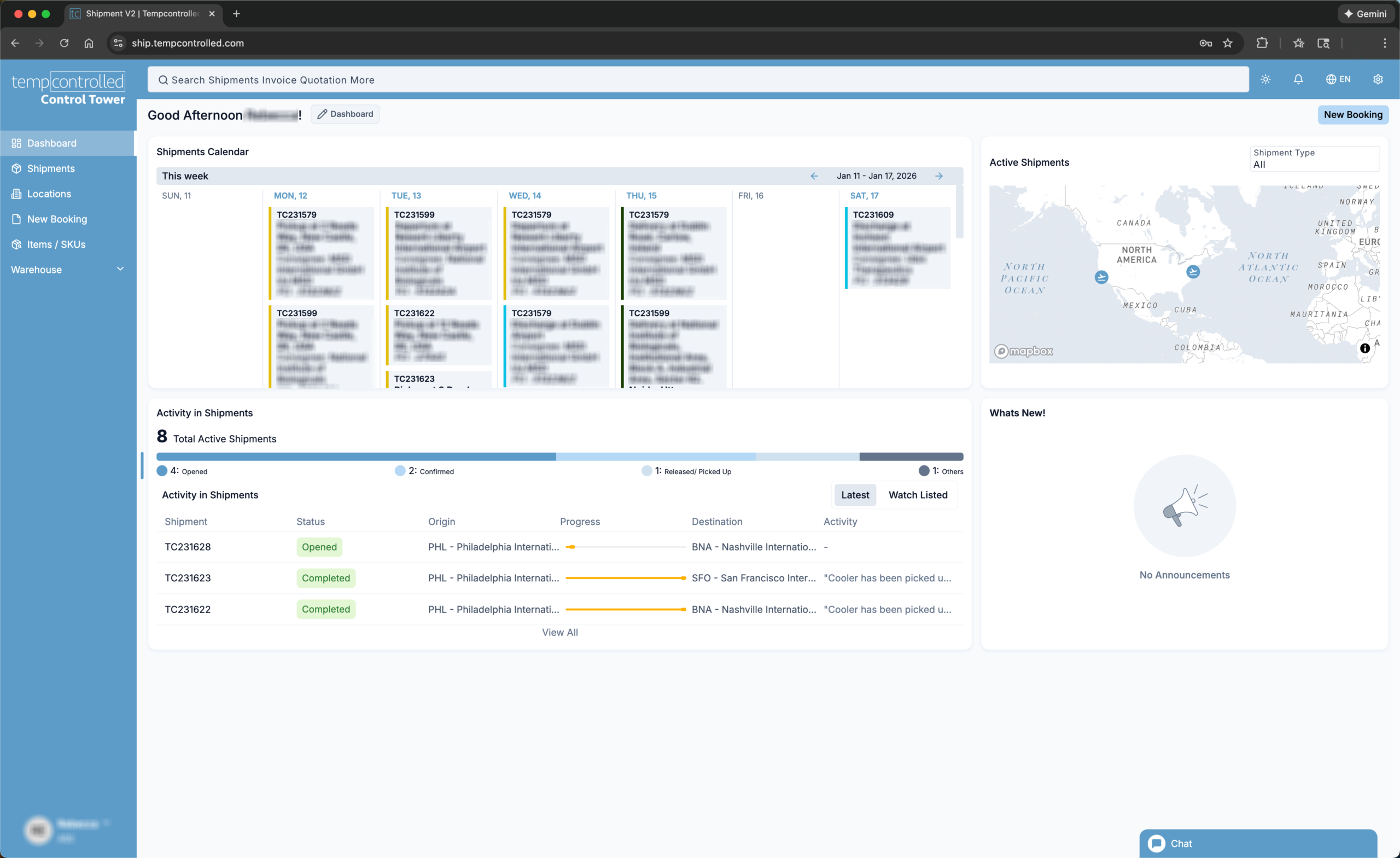
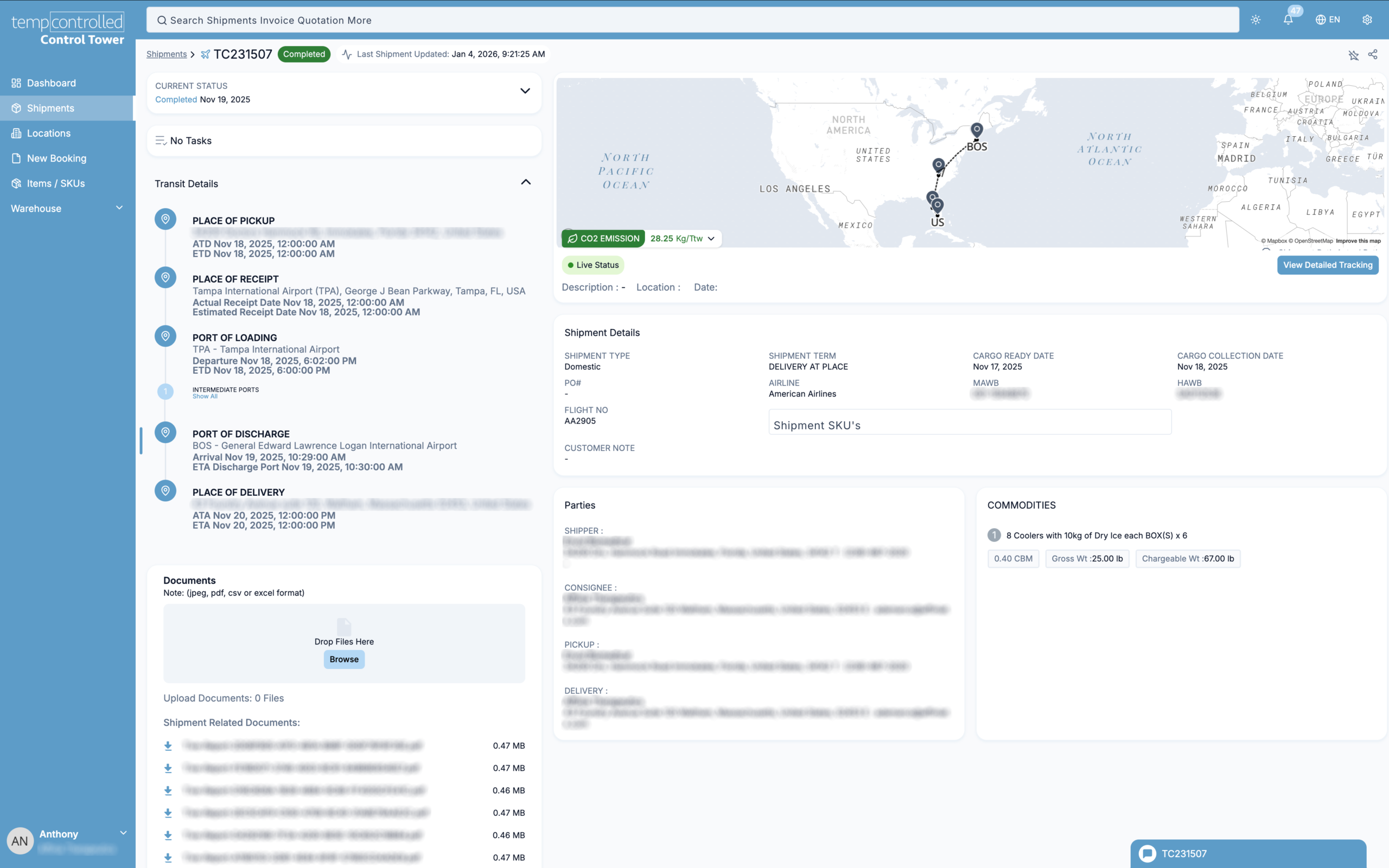
Create and manage orders end-to-end without hopping tools. View all shipment-related information in a single view through a customizable dashboard. Every change, note, and file is recorded for a clean audit trail.
Quote to closeout in one flow
- Real-time view of shipments with automated tracking
- Communicate with Tempcontrolled directly on each shipment
- Internal/external notes with attachments on the job timeline
- Full audit trail of status changes, timestamps, and files
Warehouse Management (WMS)
Warehouse Management (WMS)
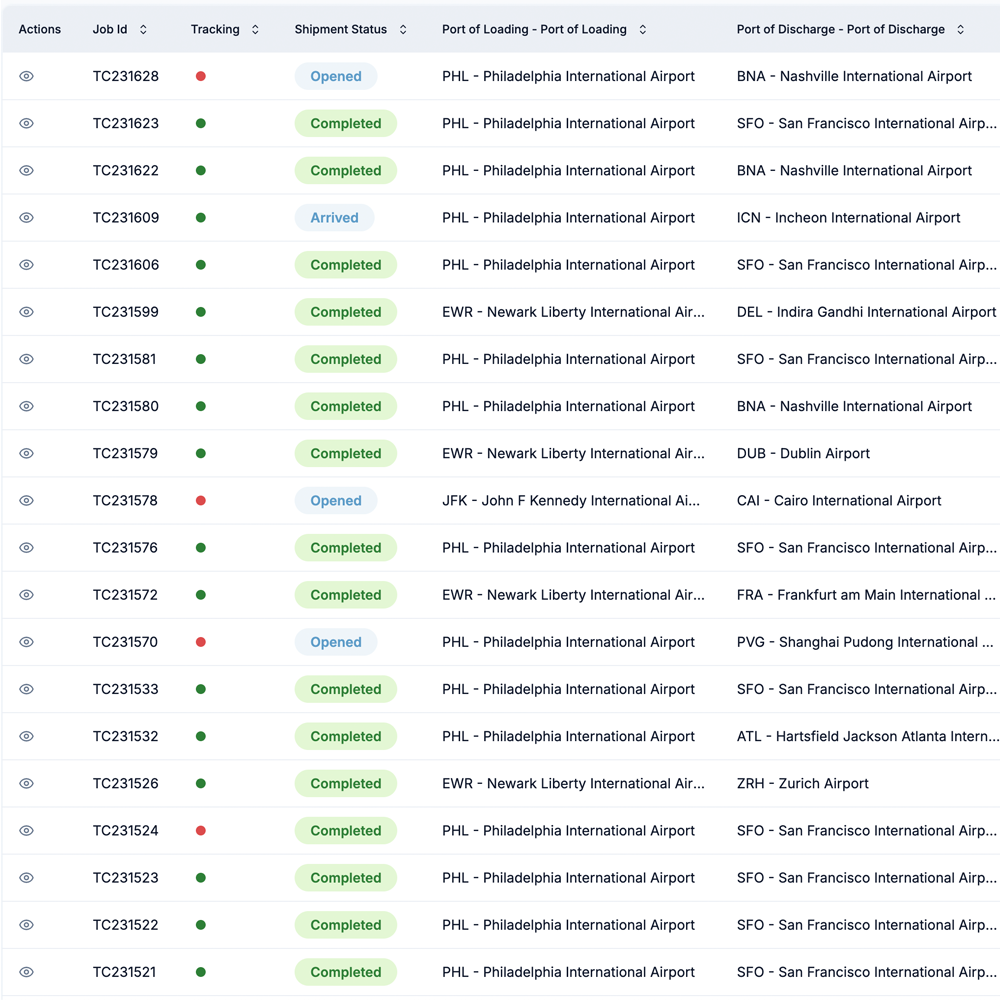
Track stock by warehouse and bin with live visibility for your team. Run receipts, putaway, picks, cycle counts, and releases with lot/expiry controls. Accurate handling is supported with scanners and print workflows.
Real-time inventory, receipts & releases
- Live inventory by warehouse/bin; receipts and releases
- Operational flows: putaway, picks, cycle counts
- Lot/expiry, FIFO/LIFO, and multi-UOM supportv
- Device-ready: scanners, label and packing-slip printing
A Record Of Every Shipment
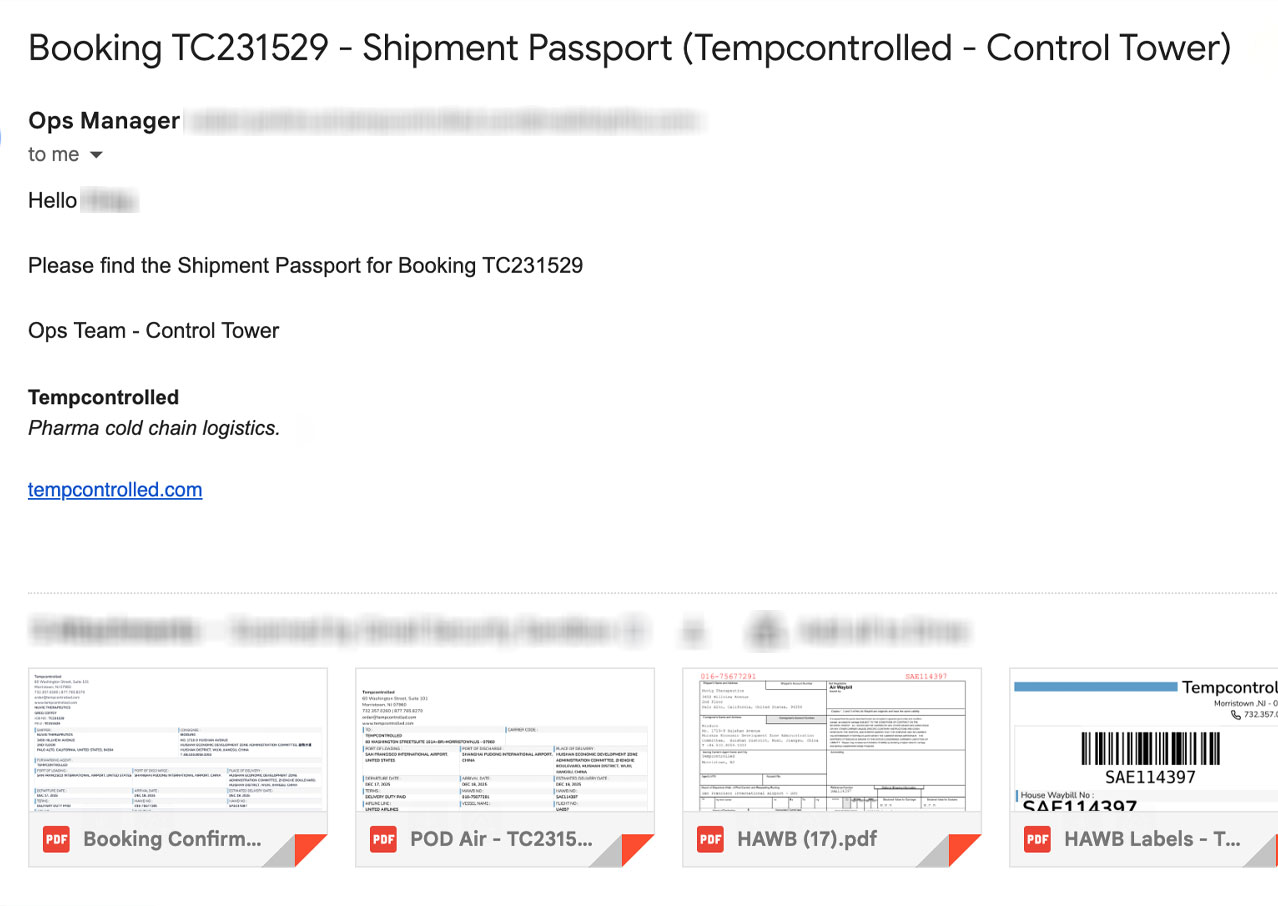
Shipment Passport is your QA-ready documentation packet
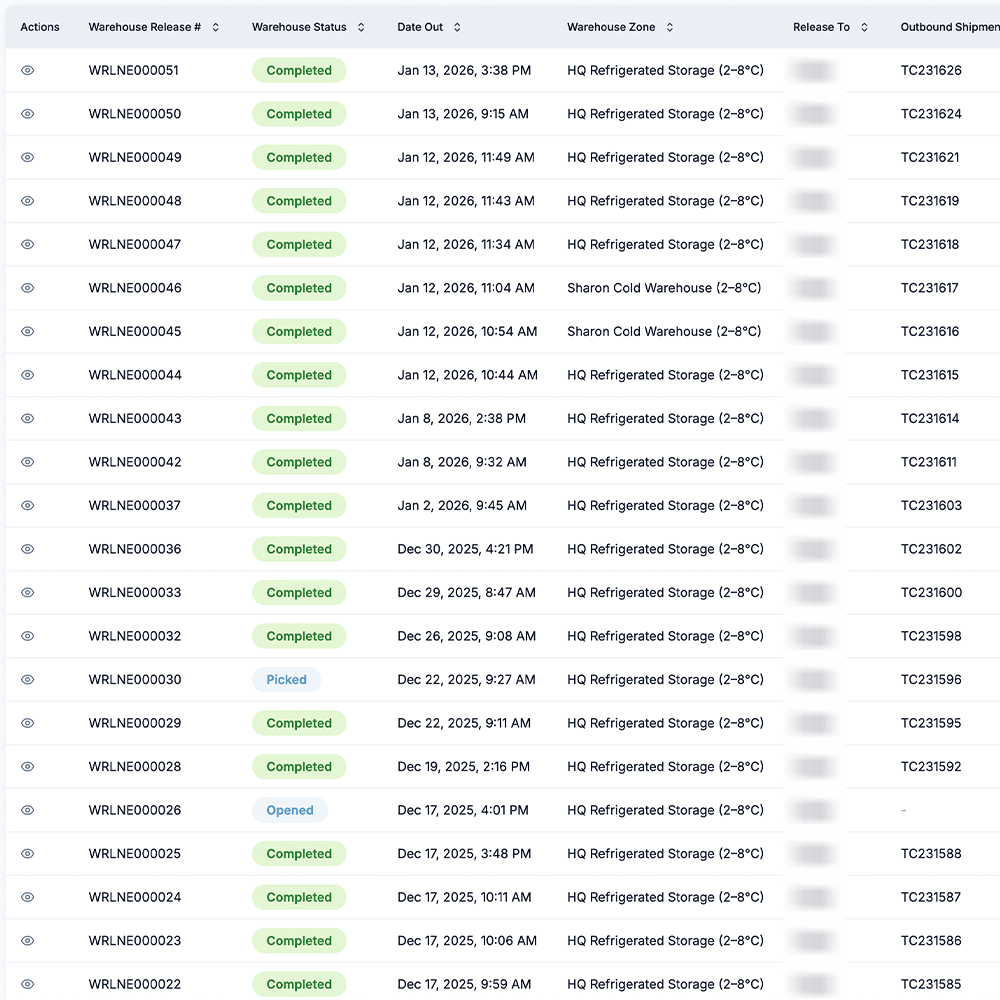
A shareable, exportable record for each shipment that includes the closeout documentation that QA needs in one authoritative view.
-
 01
01Create
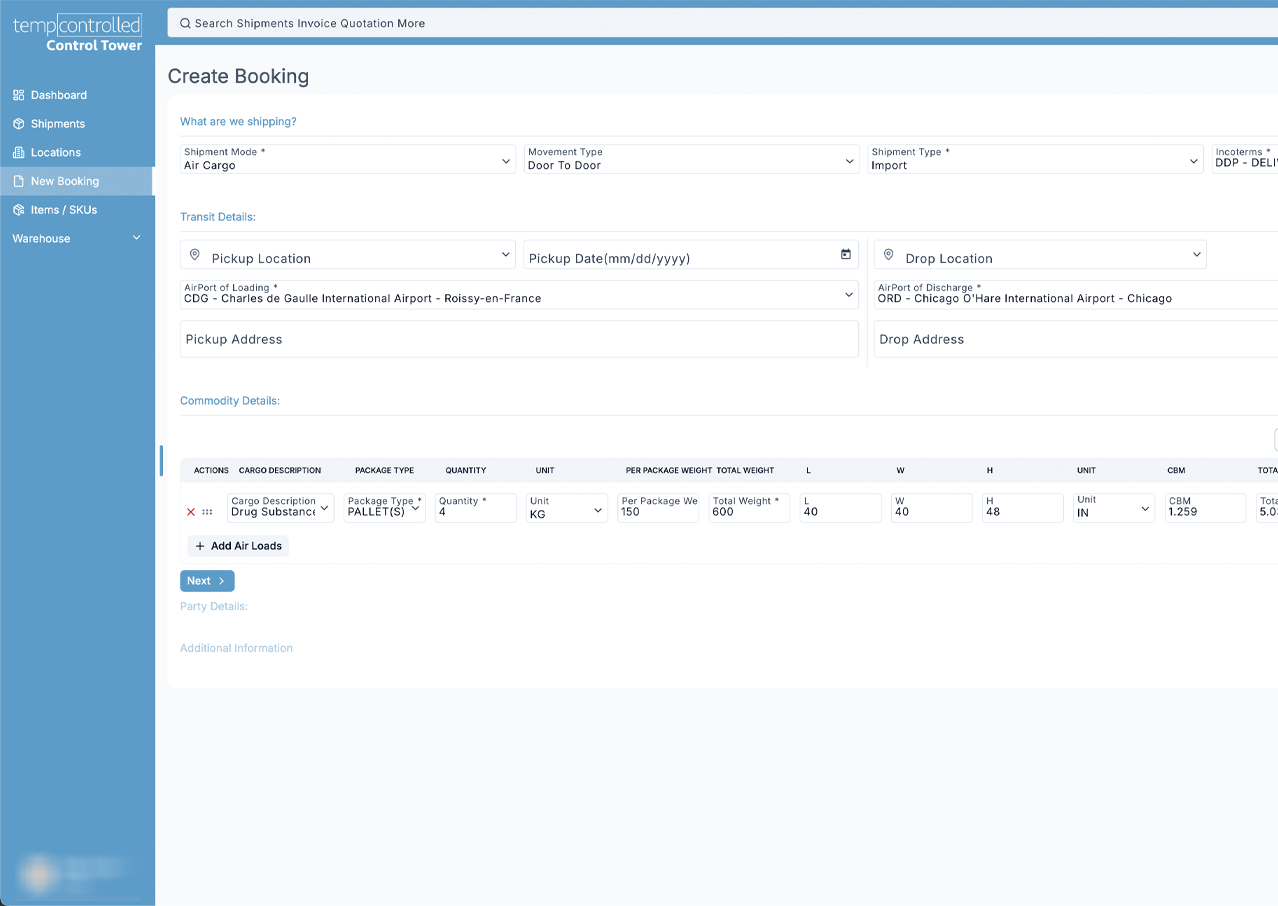
Build a shipment with lane specs, temp range, pack-out, SOP links. -
 02
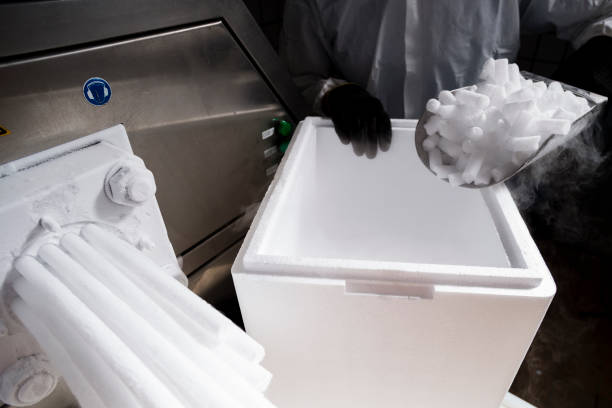
02Pack
Capture and upload pack-out photos, we automatically associate logger ID(s). -
 03
03Ship & Monitor
Control Tower tracks progress, ETAs, and exceptions. -
 04
04Closeout & Share
Quick export all Shipment Passport documents for QA and stakeholders.